
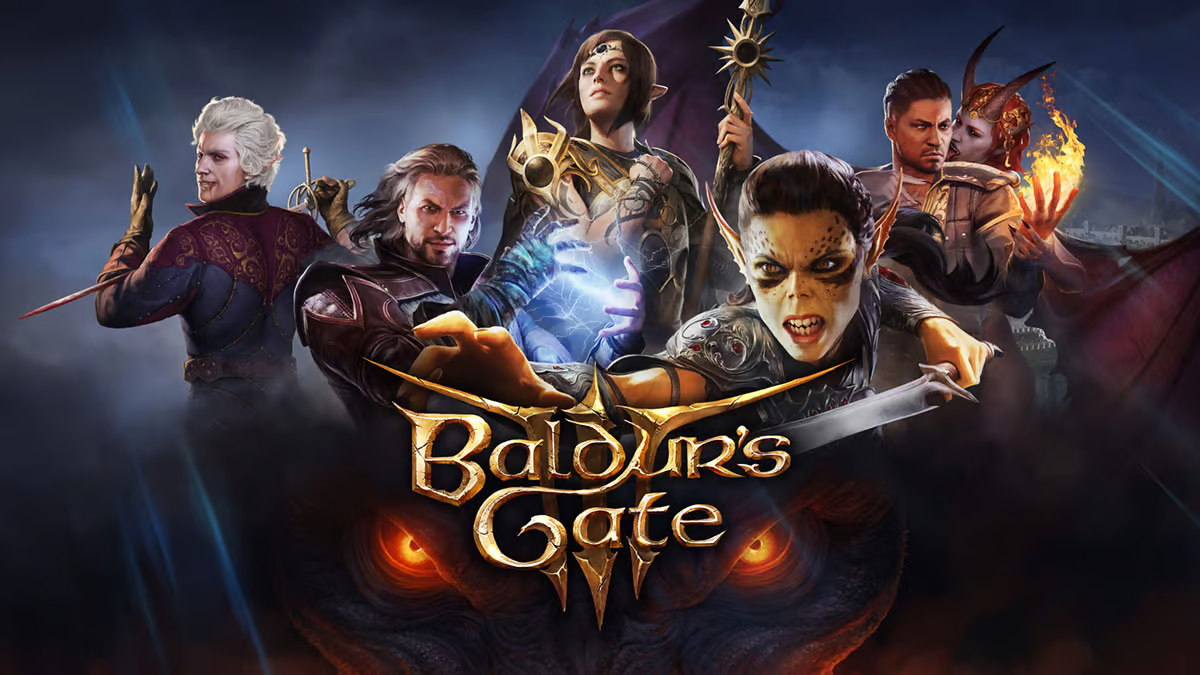
Baldur’s Gate 3, the epic role-playing game developed by Larian Studios, has taken the gaming world by storm. One of the standout features of this title is its full controller support for PC, making it even more accessible to gamers who prefer to play from the comfort of their couch or recliner. In this blog post, we’ll guide you on how to enable this game-changing input method in BG3.
Why Choose a Controller?
Traditionally, CRPG (computer role-playing games) titles like Baldur’s Gate 3 have been dominated by mouse-and-keyboard controls. However, Larian Studios has done an impressive job adapting the game for controller use. You might wonder if there are downsides to using a controller, but the truth is that there are few. All the functionality of mouse-and-keyboard gameplay is retained, with just a bit more scrolling in menus. In fact, many players find that using a controller enhances their immersion and role-playing experience, particularly when it comes to reacting to in-game events like traps.
Setting Up a Controller for Baldur’s Gate 3
Enabling controller support in Baldur’s Gate 3 is a straightforward process:
- Connect your gamepad to your computer.
- Launch the game.
- The default settings for BG3 are set to “Auto,” which means the game will automatically detect whether you’re using a keyboard and mouse or a gamepad and adjust the on-screen controls accordingly.
It’s essentially a plug-and-play system, making it easy for BG3 players to enjoy the game with a controller.
The Case for Mixed Controls
While some players may prefer one control method over the other, it’s worth considering a mix of the two under the “Auto” setting. For example, you can use a mouse and keyboard to manage your inventory or engage in combat more efficiently. Then, when you’re exploring the game world and want a more immersive experience, you can switch back to controller inputs. This flexibility allows you to adapt to different gameplay scenarios on the fly.
In summary, Baldur’s Gate 3 offers full controller support for PC players, making it easier than ever to embark on epic adventures in the world of Faerun from the comfort of your couch. Whether you prefer a controller or a mouse and keyboard, the choice is yours, and you can seamlessly switch between them to suit your gaming style.
Make the most of your gaming experience by trying out controller support in Baldur’s Gate 3 and immerse yourself in the rich and captivating world of this RPG masterpiece.